Get started
Installation
Get the plugin into a project and confirm it loaded.
Quick Level Manager is an editor plugin. It runs in the Unreal Editor and is not part of a packaged build.
Requirements
- Unreal Engine 5
- A C++ or Blueprint project. The plugin ships compiled, so a Blueprint only project works.
Install the plugin
- In the Epic Games Launcher, find Quick Level Manager in your Fab Library and press Install to Engine.
- In your project, enable it under Edit > Plugins.
- Restart the editor.
INFO: Installing to the engine covers every project on that engine version. Enabling it is per project.
Verify the install
Look at the Level Editor toolbar, just right of the play controls. There should be a new button with a stack of layers on it.
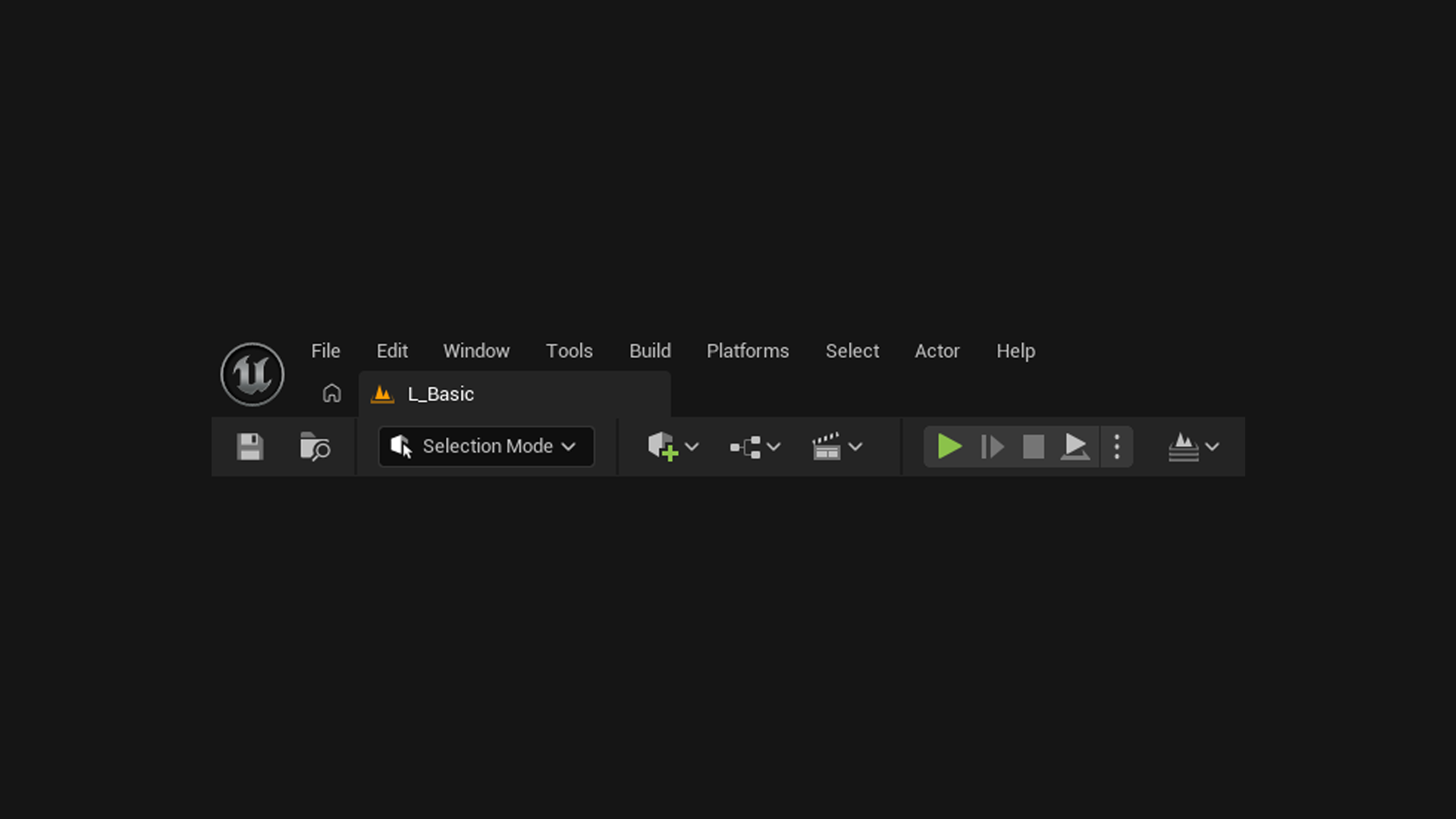
Click it. A fresh install shows No Levels Configured, which means the plugin is loaded and simply has nothing to list yet.
Quickstart fills it in.