Setting it up
States
How the plugin knows whether you are walking or sprinting.
A state is a Gameplay Tag. You author them, the plugin only compares them.
Making them
Project Settings > Project > Gameplay Tags. Any naming works:
Movement.Walk
Movement.Run
Movement.Run.Sprint
Movement.Crouch
Movement.LandTelling the component
Two ways. Pick one.
Push it in
Call Set Footstep State whenever the movement changes.
Event On Movement Changed
  -> Set Footstep State (Movement.Run)
It handles replication for you, and calling it with a value it already has does nothing, so calling it every tick is harmless.
Once the owning client has pushed a state it is the authority on its own state, so a late echo from the server can never undo a newer change. Pushes go out at most ten times a second.
Let the component ask
Add the Footstep State Provider interface to your character, under Class Settings > Interfaces. Implement Get Footstep State and return the tag from whatever state machine you already have.
The component asks once per footstep, so the answer is always current and you never push anything in.
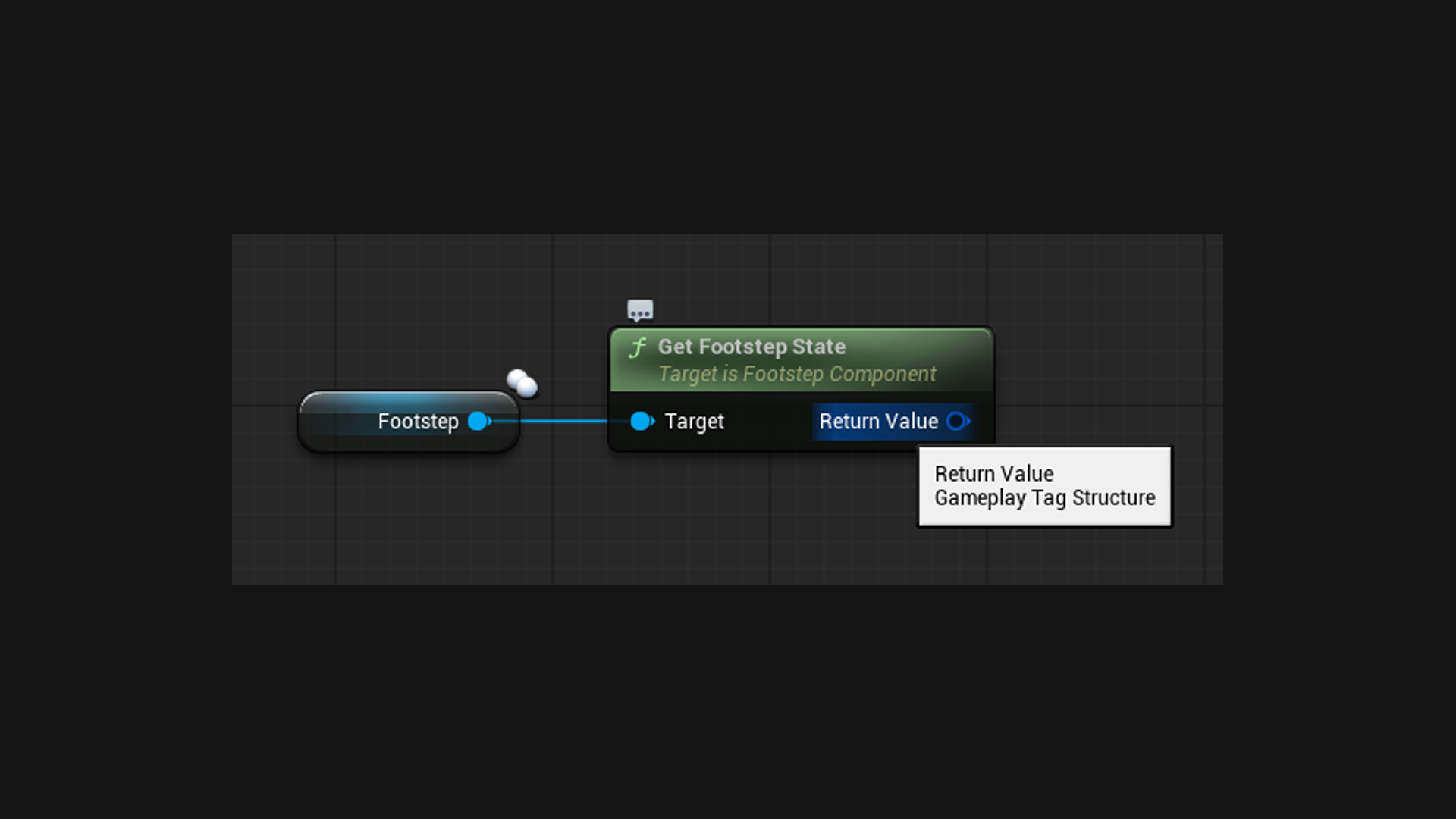
Returning an empty tag falls back to whatever Set Footstep State last set, so you can mix the two.
Parent tags save you work
Databases have Match Parent State Tags on by default. A footstep in state Movement.Run.Sprint tries that first, then Movement.Run, then Movement.
So one Movement.Run entry covers every tag under it. Add a sprint entry later only if sprinting should actually sound different.
In multiplayer
The state replicates automatically. That matters, because in the default network mode every machine works out its own footsteps and needs to know which state to look up.