Choosing a method
Compare view
Two methods side by side, each with its GPU time.
The compare view splits the screen: Method on the left, Compare Method on the right. Each side is labelled with its name and GPU time.
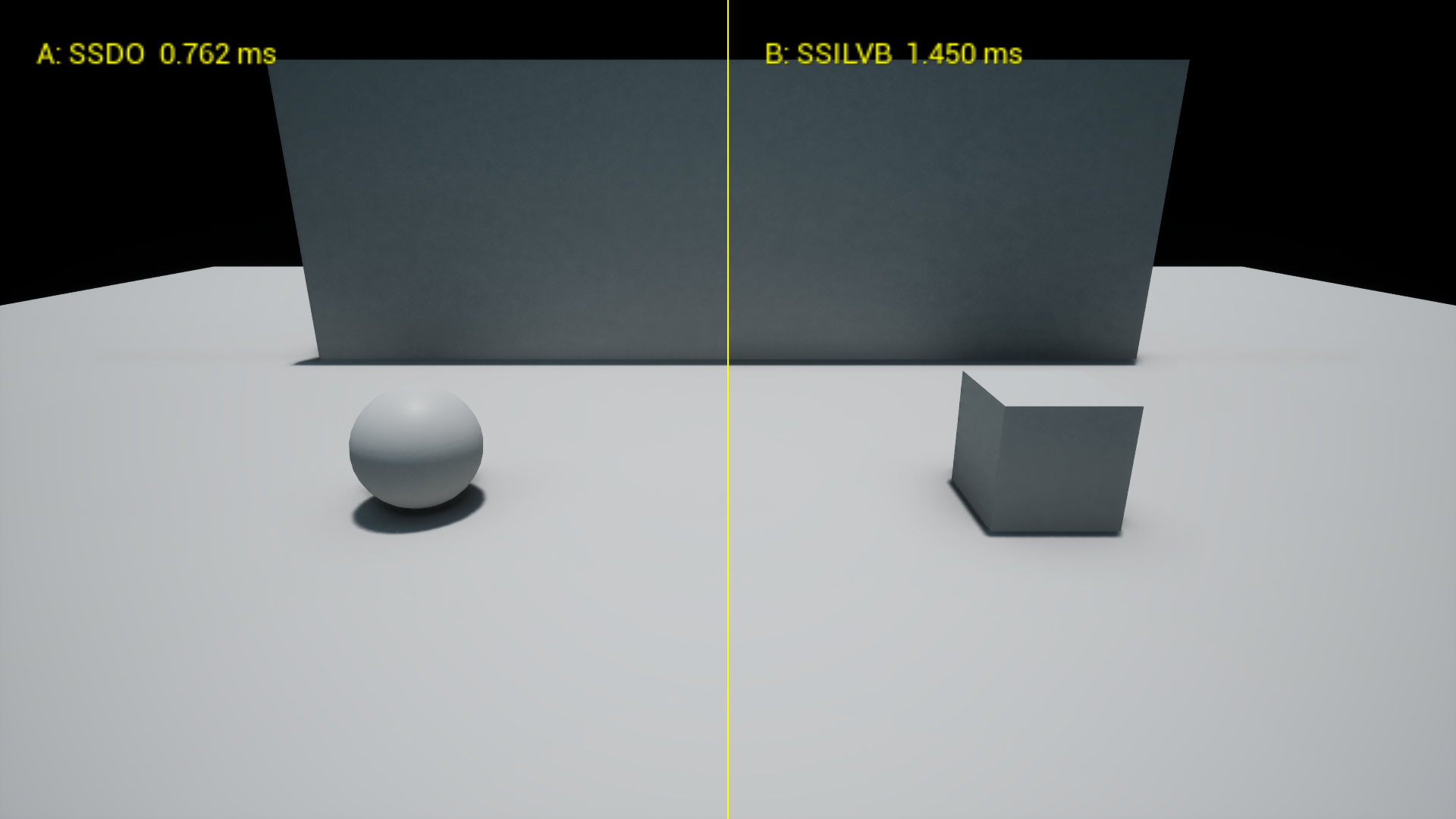
The times in this shot are at 1920x1080 and 100% screen percentage, so they are higher than the Method guide table, which is at 65%.
Turn it on
code
1
2
r.MultiAO.Method 13
r.MultiAO.CompareMethod 14
r.MultiAO.CompareMethod -1 turns it off. 0 shows the right half without any plugin AO, which is handy to see what a method adds.
Move the split
code
1
r.MultiAO.CompareSplit 0.30 to 1 of the screen width.
Reading the times
- The time is the method's own GPU work, averaged over about the last 30 frames, so it settles after a second.
- Each side only computes its own part of the screen, so with the split in the middle a time is roughly half that method's full screen cost.
- GPU times only show in development builds. Shipping builds compile out GPU stats, so measure in Development.
INFO: A method blocked by a compatibility rule gets no AO pass on its side, and the log says why.