Get started
Introduction
What it does and what it leaves to the engine.
MultiAO is an Unreal Engine 5 plugin that puts nineteen ambient occlusion methods behind one dropdown, grouped by tier from baked and very cheap up to the engine's own ray traced options. You pick the one that fits your game and your frame budget instead of living with the one the engine picked for you.
The problem it solves
The engine gives you one AO path, and which one depends on your GI setting. Screen space GI brings its own AO, Lumen brings another, and changing between them changes how your whole scene is lit.
So you cannot just try HBAO, GTAO, AMD's CACAO or a capsule shadow under your character and see what each one costs in your own level. MultiAO lets you do exactly that.
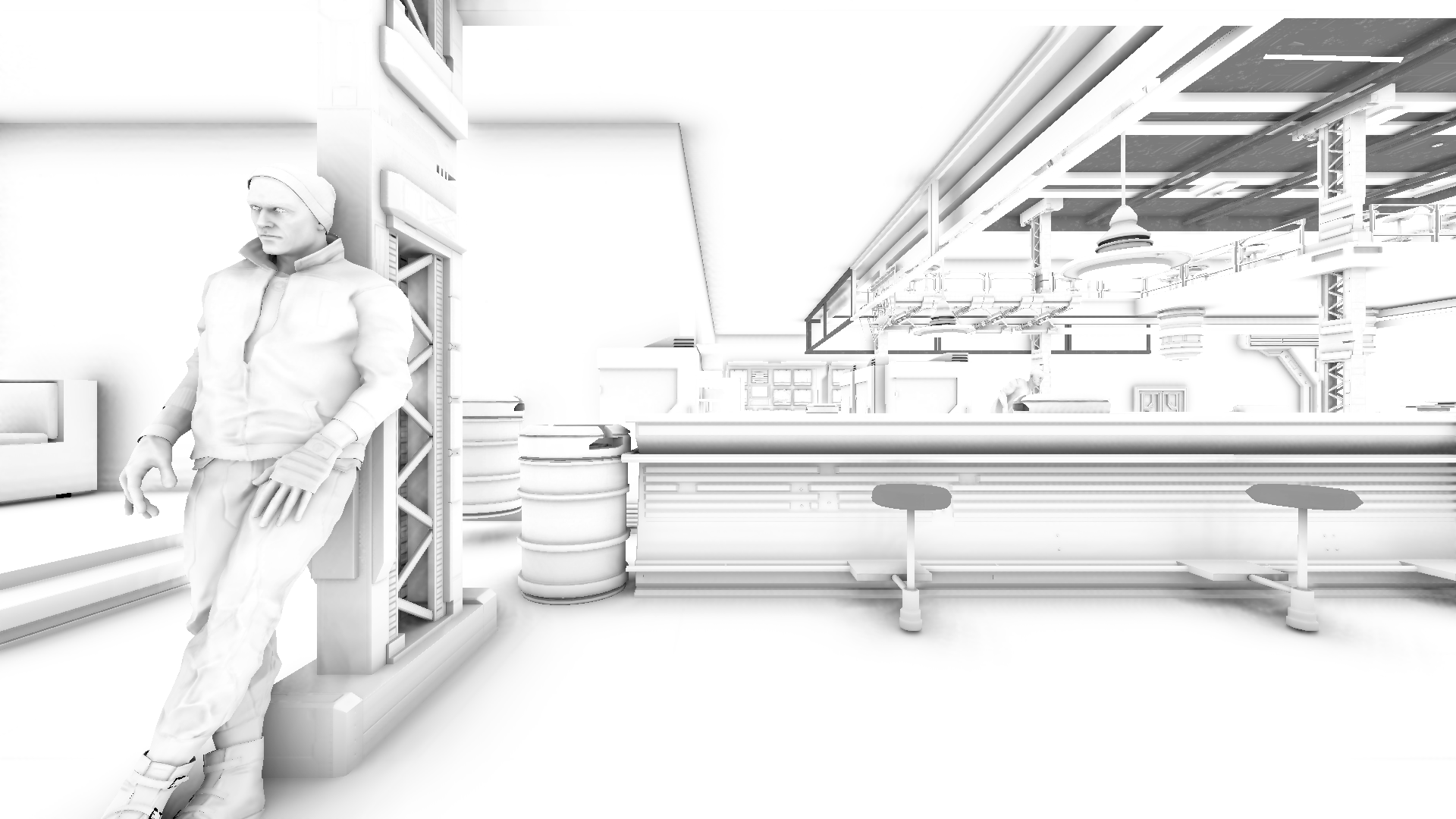
GTAO in a real level, the AO it writes before lighting:
What it does
- Nineteen methods in one dropdown, from a baked per vertex AO that costs nothing to classic screen space methods, GPU vendor samples and analytic occluders for moving objects.
- Writes into material AO, the same place a material's own AO goes, so it stacks with your materials instead of replacing them.
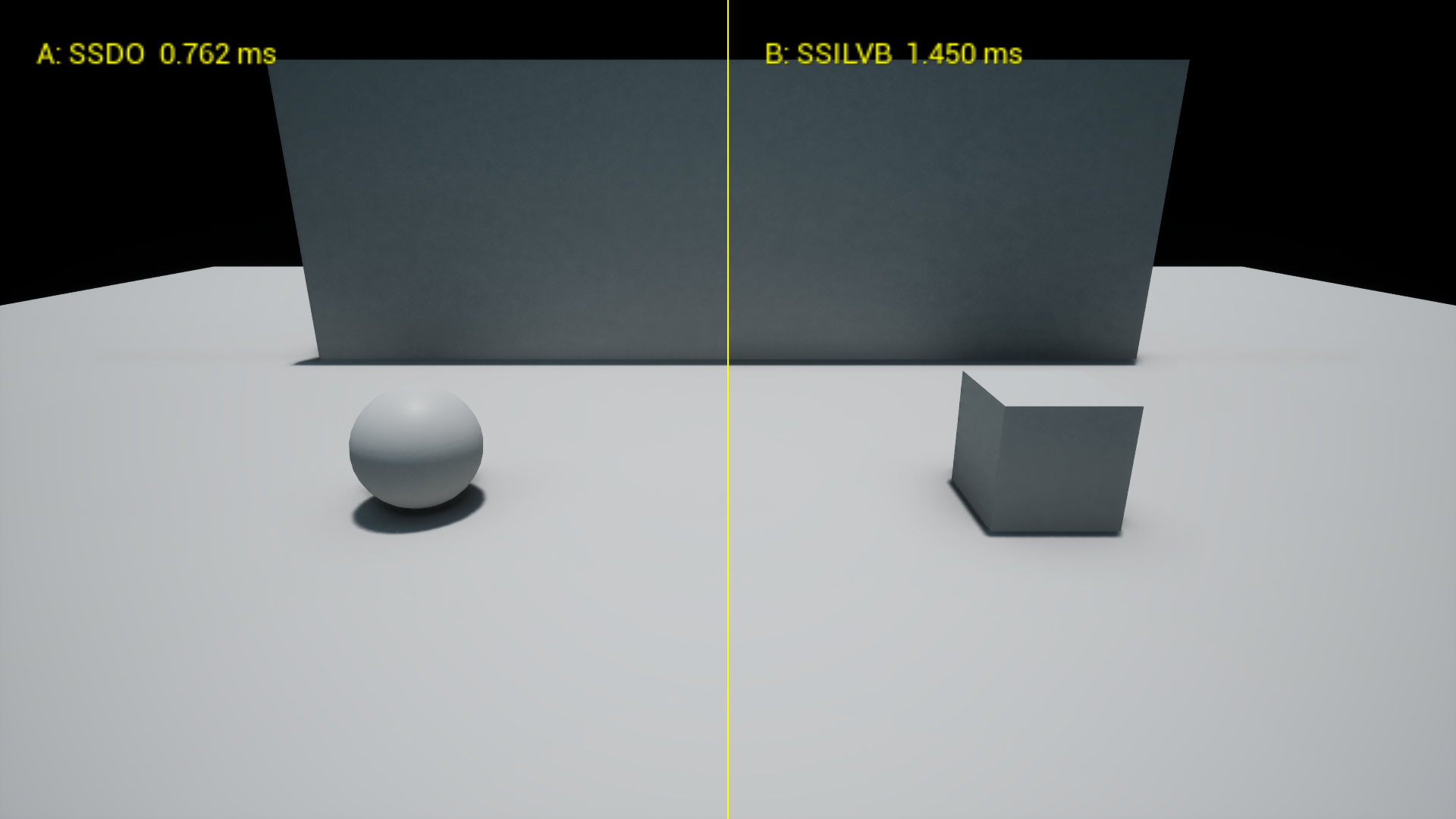
- A compare view: method A on the left, method B on the right, each one's GPU time on screen.
- Compatibility rules that tell you in the log when a method cannot work with your GI or hardware, and stop methods the engine would ignore.
- An optional colour bounce for SSILVB and SSDO.
- Switches for the engine's own DFAO, RTAO, Lumen AO and the path tracer, from the same dropdown. DFAO is tested; the ray traced and Lumen switches are not verified yet.
What it does not do
- It does not replace your GI. Under screen space GI the engine's diffuse light ignores material AO; MultiAO says so in the log and gives you Diffuse Strength to darken it anyway.
- No Substrate materials, no static lighting, no mobile.
- No bent normals or specular occlusion output. The engine has no slot where a plugin could hand those over.
Where to go next
- Installation to get it into your project.
- Quickstart to pick a method and see it in game.
- Method guide to choose between them.